

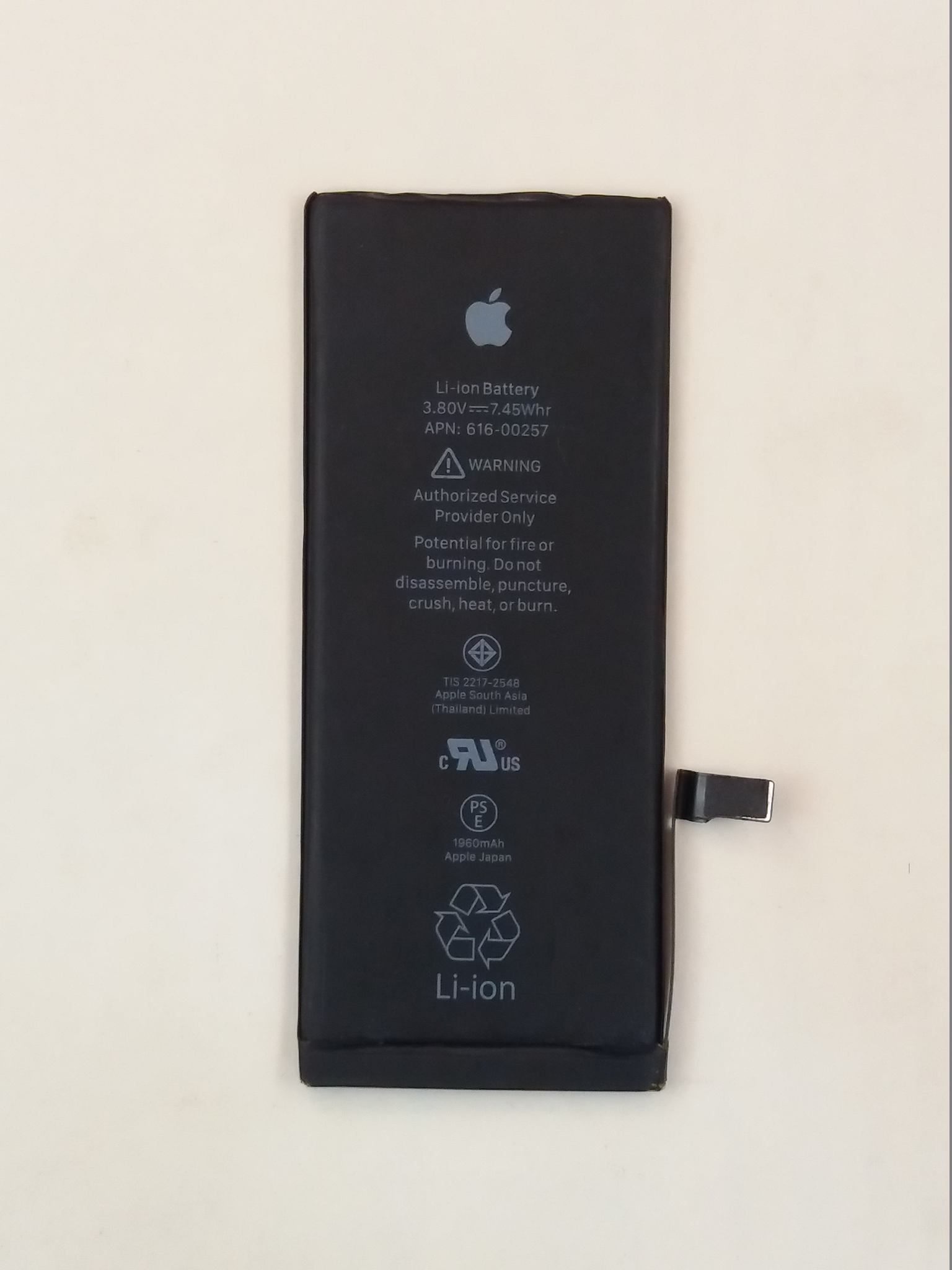
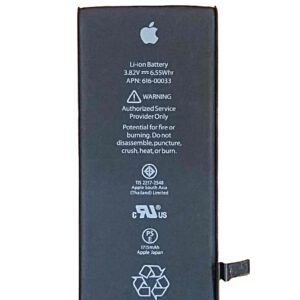
As iPhone 7 Battery is designed to give day long battery time when it has original battery installed in good health. We import genuine batteries with the full 1960mAh capacity intact. These batteries use original cells and aren’t aftermarket copies like interlink or Ronin you see floating around in local markets such as Hall Road Lahore or Saddar Karachi.
When to Change:
- When your battery drains fast and shuts down unexpectedly
- When you have to charge your handset several times a day
- When battery Swells
iPhone 7 Battery Details
- Battery capacity: 1960mAh
- Battery type: Lithium-ion
- Compatible Model: iPhone 7
Battery replacement: As this is a built-in battery, Professional installation is recommended
Performance:
The performance of the battery depends on the network signal, brightness of the screen, apps installed in it, and mobile data. It also depends on whether the board of the phone is repaired or not.
Warranty: Dead on arrival, we will replace it, damage due to careless handling not covered.
Charging Instruction
Charge the Battery at least 3 hours after installation in first Charge.
When in Charging state Don’t put you handset near heat source as it may damage seriously your battery.
This handset Support Wireless Charging but use on Qi Certified Charger.
If Your Battery is not 100% Charged the Charging icon will be seen on the iPhone battery indicator. When the device is Fully 100% Charged The Battery indicator in the status bar will appear solid green like without any sign on battery icon.
Before you plug in the power adapter insert the Lightening end of Lightning to USB Cable into the base of your iPhone.
Keep in mind your mobile battery is happy in charging Limit above 20% and Lower than 80%. By keeping the Battery between these limits your battery life will increase many fold.
Normally Charging visa a computer is not recommended if required insert the Lightning end of the Lightening to USB Cable into the port at the base of iPhone and then insert the USB end of the Cable into any open port on the computer.
Low Power Mode
If the Battery Icon is yellow Low power mode is on. When your device reaches 20% battery. Automatically low power mode is enabled.
If you see Low Battery Message on the Screen your Battery is Quite low. Plug in your handset and let it Charge for at least 10 minutes before using it. After 10 minutes you can use your device and continues to charge
Battery Specification
|
Brand |
Apple iPhone |
|
iPhone 7 Battery Capacity |
1960mAh |
|
Cell Composition |
Lithium Polymer |
|
Type |
Non-Removable , Rechargeable |
|
Battery Voltage |
3.85 V |
|
Time of Charge |
95 min |
Reviews
There are no reviews yet.